
website SEO analysis tools
If you want to improve a site’s search visibility, website SEO analysis tools are not optional—they’re the fastest way to see what is broken, what is underperforming, and what deserves attention first. The best tools do not magically “rank” a website. What they do is far more useful: they help you diagnose technical issues, spot content gaps, measure page experience, understand crawlability and indexability, and make better decisions with less guesswork.
That said, tools can also waste time when people treat every warning like an emergency. A good SEO analysis workflow is not about chasing perfect scores. It is about finding the few changes that will make a real difference for users and search engines.
What website SEO analysis tools actually do
At their core, website SEO analysis tools evaluate how well a site can be discovered, crawled, understood, and trusted by search engines. They usually examine some mix of:
- On-page SEO elements like titles, headings, image alt text, and content structure
- Technical SEO elements like crawlability, indexability, canonical URLs, robots directives, XML sitemaps, and schema markup
- Performance factors such as Core Web Vitals, page speed, lazy loading, mobile usability, and render-blocking resources
- Site architecture factors like internal links, breadcrumbs, orphan pages, and redirect chains
- Off-page and competitive signals such as backlinks, referring domains, and keyword gaps
In simple terms, these tools answer questions like:
- Can search engines access this page?
- Should this page be indexed?
- Does the page send mixed signals through canonicals, redirects, or duplicate content?
- Is the content structured in a way that makes sense for users?
- Is the site slow, cluttered, or hard to use on mobile?
For a publisher, agency, blogger, or business owner, this matters because SEO problems are often invisible until traffic drops—or never grows in the first place.
Types of SEO analysis tools you should know
Not all SEO tools solve the same problem. That is where many beginners go wrong. They buy one premium platform and expect it to handle everything well. In reality, the strongest workflow usually combines a few tools.
1. Search performance and indexing tools
These tools tell you how Google sees your site in practice. The best starting point is Google Search Console. It helps you review indexing, search queries, coverage issues, sitemaps, mobile usability signals, and page experience trends.
Expert tip: if a page is not indexed, stop obsessing over keyword density. First confirm whether Google can crawl it, whether it has a valid canonical, and whether it is blocked by robots or a noindex tag.
2. Site crawler tools
These tools crawl your website like a search bot and surface technical issues across many pages at once. They are useful for finding broken links, missing metadata, duplicate titles, redirect chains, thin pages, blocked URLs, and orphan pages.
3. Page speed and UX analysis tools
For performance analysis, tools such as PageSpeed Insights and web.dev help assess Core Web Vitals, JavaScript load, image optimization, lazy loading opportunities, and layout shifts.
4. Backlink and competitive tools
These tools are less about your code and more about market context. They help you understand which pages attract links, how competitors structure content, and where keyword opportunities may exist.
5. CMS and plugin-based SEO tools
If your site runs on WordPress, plugin-based tools can help manage titles, meta settings, XML sitemaps, schema, breadcrumbs, and noindex rules. For platform basics and plugin safety, the official WordPress.org resources are worth checking.
Best features to look for in an SEO analysis tool
If you are comparing tools, ignore flashy dashboards for a moment. Look for features that help you act, not just admire charts.
Useful features that actually matter
- Accurate crawl reports: Can the tool identify broken pages, duplicate content, missing canonicals, and redirect problems?
- Indexability insights: Does it clearly show noindex tags, blocked URLs, canonical conflicts, and soft 404 patterns?
- Page-level diagnostics: Can you inspect a specific page instead of only getting sitewide summaries?
- Core Web Vitals data: Does it help you understand real-world speed and experience issues?
- Mobile readability checks: Is the page usable on smaller screens, with clear font sizes, spacing, and tap targets?
- Schema validation support: Can it detect structured data and help you test it against Schema.org standards?
- Internal linking analysis: Does it show shallow vs deep pages, orphan content, and anchor distribution?
- Exportable reports: Helpful when you need to share fixes with developers, writers, or clients.
Nice-to-have features
- Scheduled crawls
- Competitor snapshots
- Keyword position tracking
- White-label reporting
- Integration with analytics and CMS tools
My honest view: if a tool gives excellent crawl diagnostics and pairs well with Search Console, it is already useful. Everything else is secondary.
Quick comparison of common tool categories
| Tool category | Best for | Strengths | Limitations |
|---|---|---|---|
| Google Search Console | Indexing, query visibility, coverage issues | Free, direct Google data, sitemap and page indexing insights | Limited competitor and deep crawl analysis |
| Site crawler tools | Technical audits across many pages | Excellent for broken links, duplicates, canonicals, redirects | May overwhelm beginners with warnings |
| Page speed tools | Core Web Vitals and UX | Clear performance diagnostics, real user experience guidance | Do not replace full technical audits |
| Backlink/competitor tools | Off-page analysis and content gap research | Good for market benchmarking and authority signals | Less useful for fixing indexability problems |
| WordPress SEO plugins | Day-to-day SEO settings | Easy control over metadata, sitemaps, breadcrumbs, schema basics | Cannot replace independent audits |
How to analyze a website step by step
Here is a practical workflow that works for small blogs, business sites, and content-heavy publications.
Step 1: Start with indexing and search visibility
Open Google Search Console and review:
- Which pages are indexed
- Which pages are excluded and why
- Whether the XML sitemap is submitted and valid
- Which queries and pages already get impressions
This first step matters because ranking advice is pointless if important pages are not even in the index.
Step 2: Crawl the site
Run a full crawl to uncover sitewide technical issues. Prioritize:
- 4xx and 5xx pages
- Broken internal links
- Redirect chains and loops
- Duplicate title tags and thin pages
- Pages with missing canonical URLs or inconsistent canonical targets
Step 3: Review page templates, not just isolated pages
Look at your homepage, category pages, blog posts, product or service pages, and contact pages separately. Many issues are template-based. If one blog page has missing image alt text or oversized hero images, chances are dozens do.
Step 4: Check mobile readability and performance
Use PageSpeed Insights and test key templates on actual phones. Ask simple questions:
- Can users read without zooming?
- Do buttons feel easy to tap?
- Do popups cover important content?
- Are images properly compressed and lazy loaded?
Mobile readability is not a side issue anymore. For many Indian and global audiences, mobile is the primary experience.
Step 5: Evaluate content quality and search intent fit
SEO analysis tools can flag short content, but they cannot fully judge usefulness. This is where human review matters. Compare high-impression pages with the intent behind the query. Does the page truly answer the question? Is it current? Does it have examples? Does it show real expertise?
If you publish outreach or publishing content, it also helps to compare your pages with useful resources like the GuestBlogging.info blog to see how practical examples and clear structure improve readability.
Step 6: Audit internal linking and content discoverability
Strong content often underperforms because nobody links to it internally. Check:
- Are important pages linked from relevant articles?
- Do category or hub pages support deeper content?
- Are breadcrumbs helping users navigate upward?
- Are there orphan pages with no internal links?
Step 7: Create a fix-first roadmap
Do not dump 100 issues into one spreadsheet and call it a strategy. Group fixes into:
- Critical: pages blocked from indexing, broken templates, wrong canonicals, server errors
- Important: poor metadata, weak internal linking, slow image-heavy pages, missing schema
- Improvement: content refreshes, breadcrumb enhancements, alt text cleanup, FAQ additions
Technical SEO checkpoints every tool should help you review
A pillar guide on website SEO analysis tools should not stop at “run an audit.” You need to know what deserves inspection.
Crawlability
Crawlability means search bots can access the page. Problems often come from blocked resources, poor internal links, robots.txt restrictions, or scripts that hide critical content. Read Google’s official guidance on crawling and indexing at Google Search Central.
Indexability
A page can be crawlable but not indexable. Common causes include noindex tags, canonical pointing elsewhere, duplicate pages, and low-value thin content.
Canonical URL handling
Canonical tags help search engines understand the preferred version of a page. A common mistake is using canonicals carelessly across similar pages, which can suppress indexation where you actually want visibility.
Robots directives and sitemap health
Your robots.txt file should guide crawlers, not accidentally hide important sections. Your XML sitemap should include index-worthy URLs and exclude junk pages like internal search results or parameter-heavy duplicates.
Image alt text and lazy loading
Alt text supports accessibility and helps search engines understand images. Keep it descriptive, not stuffed. Lazy loading can improve performance, but if implemented badly it may delay visible content or interfere with rendering.
Schema markup
Schema helps search engines interpret page type and entities more clearly. FAQ, Article, Breadcrumb, Organization, and Product schema can all be useful depending on the site. But schema should reflect visible content. Marking up content that does not exist on the page is a bad habit and a trust issue.
Core Web Vitals
These metrics focus on load performance, interactivity, and visual stability. Do not chase scores for vanity. Prioritize obvious user pain: giant images, layout shifts from ads or popups, heavy JavaScript, and delayed interaction.
Breadcrumbs and mobile readability
Breadcrumbs help users and search engines understand hierarchy. On mobile, hierarchy matters even more because users need quick orientation on smaller screens.
Practical examples of tool-based SEO analysis
Example 1: A blog with traffic stuck despite regular publishing
Suppose a site publishes two articles a week but sees little growth. An SEO analysis tool might reveal:
- Many articles are orphan pages
- Category pages have no descriptive intro copy
- Titles are duplicated across similar posts
- Important posts are excluded due to canonical issues
Fixing internal linking and canonicals may help more than publishing 20 additional articles.
Example 2: A local business website with poor mobile performance
A page speed audit shows oversized banner images, no lazy loading, and poor mobile spacing. Users on slow connections leave quickly. Here, performance and readability improvements can be more valuable than rewriting every service page from scratch.
Example 3: A guest posting website trying to improve discoverability
A platform listing sites for outreach could use analysis tools to identify duplicate archive pages, improve breadcrumbs, and add structured content around submission and editorial trust. If you manage a similar platform, useful pages like guest posting sites, guest posting checklist, and guest posting guidelines should be easy to crawl, internally linked, and clearly structured.
Common mistakes when using SEO analysis tools
- Treating every warning as equally serious: A missing alt attribute on one decorative image is not the same as sitewide noindex tags.
- Ignoring search intent: Tools can detect duplicates, not whether the content truly solves the query.
- Chasing tool scores: A 100/100 score does not guarantee rankings or conversions.
- Overusing automation: Auto-generated titles, schema, or alt text can create messy output.
- Skipping manual review: Always inspect important pages with human eyes on desktop and mobile.
- Using one tool only: Search Console, a crawler, and a speed tool together are usually stronger than one all-in-one platform.
One realistic warning: some sites lose momentum not because they lack tools, but because nobody owns implementation. Reports do not fix websites. People do.
How to choose the right tool for your site
The right choice depends on your site size, team, and goals.
For beginners and small site owners
Start with free or low-cost tools that cover indexing, crawl basics, and page speed. Learn how to interpret a few meaningful reports before upgrading.
For publishers and content teams
Choose tools that make it easy to audit templates, monitor metadata, and identify underlinked content. If content marketing is part of your strategy, it can also help to write for us style editorial opportunities or review broader publishing options that support authority building.
For agencies and consultants
Look for strong crawling, exports, segmentation, and collaboration features. White-label reports are nice, but accuracy and prioritization matter more.
For businesses investing in outreach and placements
If part of your growth plan includes visibility through partnerships, you may also want to submit your site, review publishing opportunities, or contact for sponsored placement after your technical foundation is clean. Promotion works better when the destination pages are actually indexable and user-friendly.
FAQ
What are website SEO analysis tools?
They are tools that evaluate how well a website performs in search from technical, on-page, content, and sometimes off-page perspectives.
Which is the best free website SEO analysis tool?
For most site owners, Google Search Console is the best free place to start because it shows indexing and search visibility data directly from Google.
Can one SEO tool do everything?
Not really. Most workflows benefit from combining Search Console, a site crawler, and a page speed tool.
How often should I run an SEO analysis?
Monthly is a sensible baseline for active sites. Large sites or ecommerce sites may need more frequent checks, especially after technical changes.
Do SEO analysis tools improve rankings automatically?
No. They reveal issues and opportunities. Rankings improve when the right fixes are implemented well.
What technical SEO issues should I check first?
Start with crawlability, indexability, canonical setup, robots directives, sitemap health, broken links, and Core Web Vitals.
Are Core Web Vitals still important?
Yes, but they should be treated as user experience signals, not magic ranking shortcuts. Fix what genuinely hurts usability.
Why is my page not ranking even though the SEO tool says it is optimized?
Because tool-based optimization is only one part of SEO. Search intent, originality, trust, competition, internal linking, and authority also matter.
Do small blogs need paid SEO tools?
Not always. Many small blogs can make solid progress using free tools plus careful manual review.
How do I know if a canonical tag is wrong?
If a page is self-canonical but intended to rank on its own, that is usually fine. If it canonicals to another page without a strong reason, it may be suppressing its own visibility.
Should I add schema to every page?
Only when it accurately matches the visible content and page type. Forced schema adds clutter and can create inconsistencies.
What is the easiest first SEO audit for a non-technical site owner?
Check Search Console for indexing issues, test key pages in PageSpeed Insights, and manually review mobile readability and internal linking.
Final action checklist
Before you finish your next website audit, make sure you have covered the essentials:
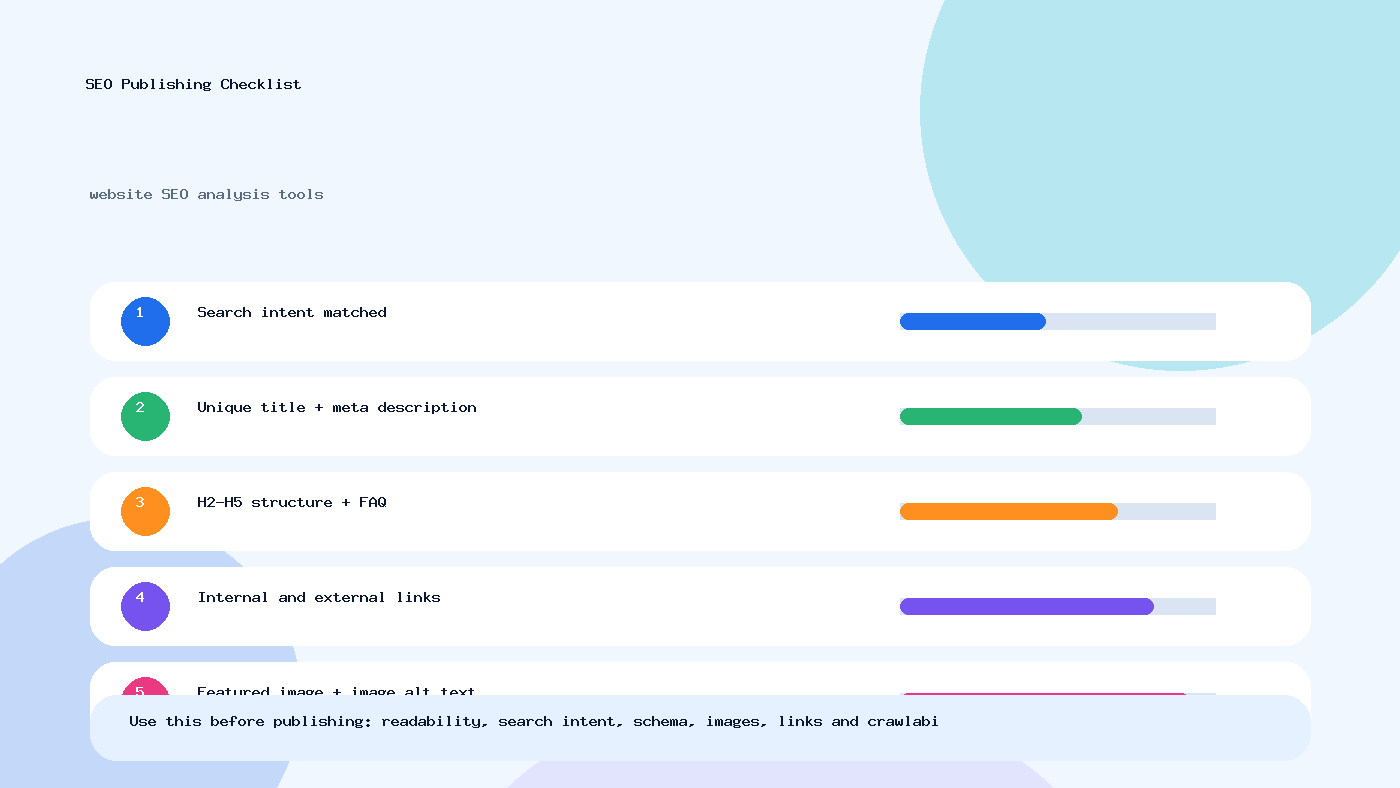
- Confirm important pages are crawlable and indexable
- Review canonical URLs for conflicts or mistakes
- Check robots.txt and XML sitemap setup
- Fix broken links, redirect chains, and server errors
- Improve image compression, alt text, and lazy loading where needed
- Assess Core Web Vitals and mobile readability on real devices
- Verify breadcrumbs and internal linking to priority pages
- Use schema only where it fits the visible content
- Refresh thin or outdated pages instead of publishing more weak content
- Turn your audit into a prioritized implementation plan
One final thought: the best website SEO analysis tools are the ones that help you make calmer, smarter decisions. Not louder ones. If you want to keep learning, browse more practical SEO resources on the blog, explore relevant guest posting sites, or review submission options through submit site. And if you are planning a placement or partnership, you can always check pricing or get in touch for the right fit.
FAQs
What is the main purpose of website SEO analysis tools?
The purpose is to help readers understand the topic clearly, apply the steps correctly, and make better SEO decisions with less confusion.
How often should this SEO content be updated?
Review the page every few months, update outdated tools or examples, and improve sections where search intent or ranking competitors have changed.
Can this strategy help with AI search visibility?
Yes. Clear answers, structured headings, concise summaries, FAQ content, and trustworthy references help both search engines and AI answer systems understand the page.
Need verified guest posting opportunities?
Explore directory listings, compare quality signals, and use safe outreach methods before building backlinks.
Explore Guest SitesTags: AI Search, AI search optimization, Content Marketing, Google ranking, Guest Blogging, keyword research, SEO, SEO guide, technical SEO, website SEO analysis tools