
वेबसाइट SEO एनालिसिस टूल्स: शुरुआती लोगों के लिए गाइड
अगर आप किसी वेबसाइट की सर्च विज़िबिलिटी बेहतर करना चाहते हैं, तो वेबसाइट SEO विश्लेषण टूल्स अब वैकल्पिक नहीं रहे—ये सबसे तेज़ तरीका हैं यह समझने का कि क्या टूटा हुआ है, क्या उम्मीद के मुताबिक प्रदर्शन नहीं कर रहा, और सबसे पहले किस चीज़ पर ध्यान देना चाहिए। सबसे अच्छे टूल किसी वेबसाइट को जादुई तरीके से “रैंक” नहीं कर देते। उनका असली फायदा इससे कहीं ज़्यादा व्यावहारिक है: वे तकनीकी समस्याएँ पहचानने, कंटेंट गैप ढूँढने, पेज एक्सपीरियंस मापने, crawlability और indexability समझने, और कम अनुमान के साथ बेहतर निर्णय लेने में मदद करते हैं।
हालाँकि, टूल्स समय भी बर्बाद कर सकते हैं—खासतौर पर तब, जब लोग हर warning को आपातकाल मान लेते हैं। एक अच्छा SEO analysis workflow परफेक्ट स्कोर के पीछे भागने के बारे में नहीं है। इसका मतलब है उन कुछ बदलावों को पहचानना जो वास्तव में यूज़र्स और सर्च इंजन—दोनों के लिए फर्क पैदा करें।
वेबसाइट SEO विश्लेषण टूल्स वास्तव में क्या करते हैं
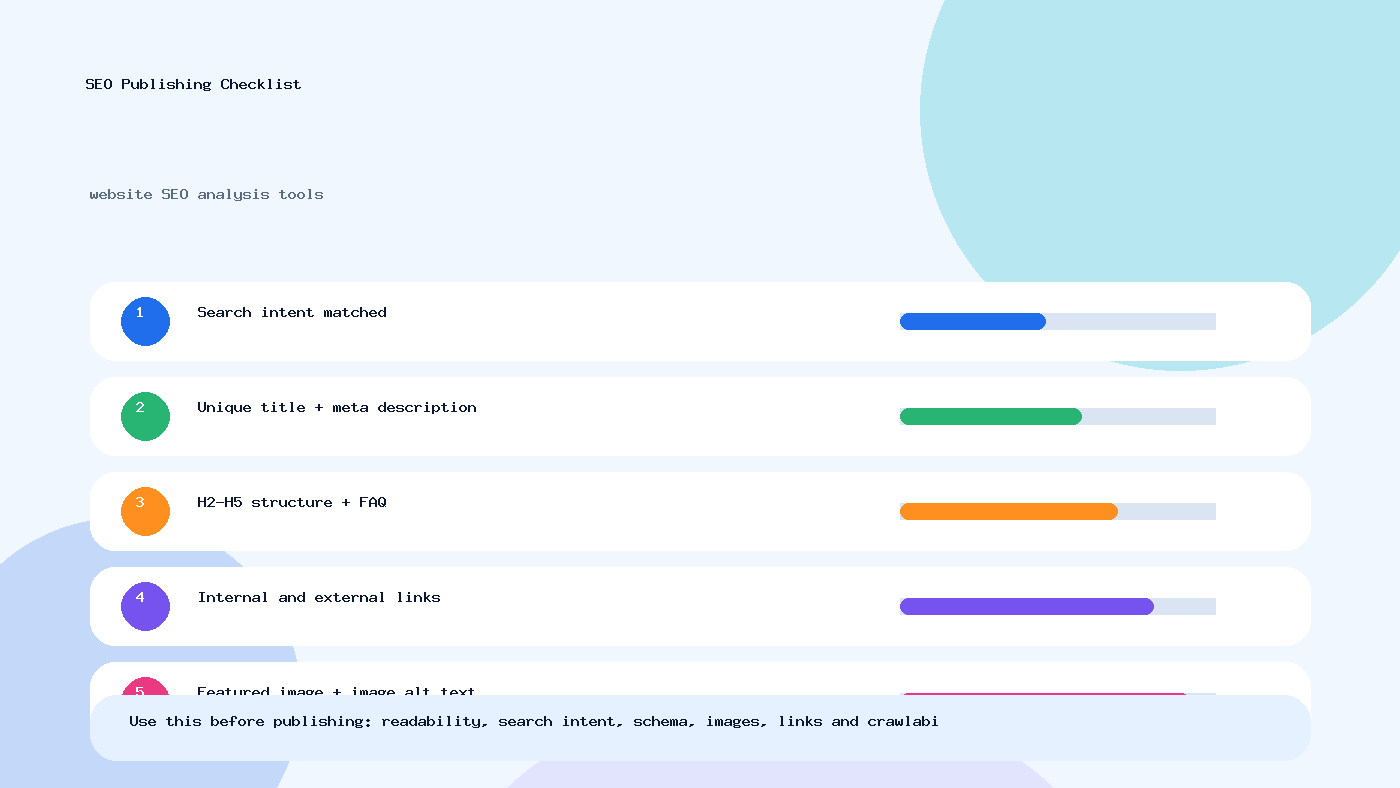
मूल रूप से, वेबसाइट SEO विश्लेषण टूल्स यह आकलन करते हैं कि कोई साइट सर्च इंजन के लिए कितनी आसानी से खोजी, crawl, समझी और trusted हो सकती है। आम तौर पर ये निम्न चीज़ों के मिश्रण की जाँच करते हैं:
- On-page SEO elements जैसे titles, headings, image alt text और content structure
- Technical SEO elements जैसे crawlability, indexability, canonical URLs, robots directives, XML sitemaps और schema markup
- Performance factors जैसे Core Web Vitals, page speed, lazy loading, mobile usability और render-blocking resources
- Site architecture factors जैसे internal links, breadcrumbs, orphan pages और redirect chains
- Off-page और competitive signals जैसे backlinks, referring domains और keyword gaps
सरल शब्दों में, ये टूल ऐसे सवालों के जवाब देते हैं:
- क्या search engines इस पेज तक पहुँच सकते हैं?
- क्या इस पेज को index होना चाहिए?
- क्या canonical, redirects या duplicate content की वजह से page mixed signals दे रहा है?
- क्या content की structure यूज़र्स के लिए समझदारीपूर्ण है?
- क्या साइट धीमी, बिखरी हुई या mobile पर इस्तेमाल करने में मुश्किल है?
Publisher, agency, blogger या business owner—किसी के लिए भी यह इसलिए महत्वपूर्ण है क्योंकि SEO समस्याएँ अक्सर तब तक दिखती ही नहीं जब तक traffic गिर न जाए—या शुरू से बढ़े ही नहीं।
SEO analysis tools के प्रकार जिन्हें आपको जानना चाहिए
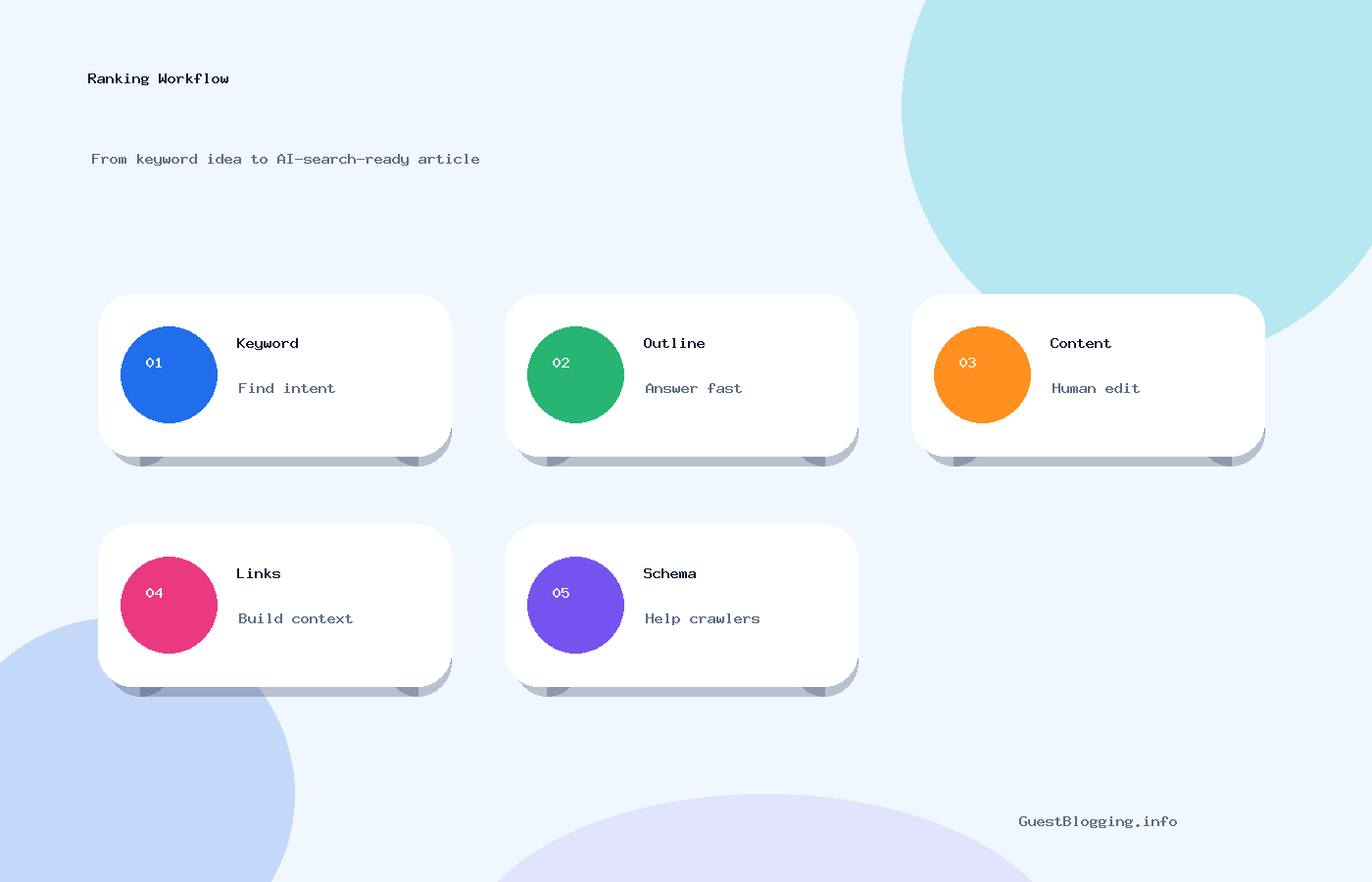
सभी SEO tools एक जैसी समस्या हल नहीं करते। यहीं पर बहुत-से beginners गलती करते हैं। वे एक premium platform खरीद लेते हैं और उम्मीद करते हैं कि वही सब कुछ बेहतरीन तरीके से संभाल लेगा। व्यवहार में, सबसे मजबूत workflow आमतौर पर कुछ टूल्स के संयोजन से बनता है।
1. Search performance और indexing tools
ये tools बताते हैं कि व्यवहारिक रूप से Google आपकी साइट को कैसे देख रहा है। शुरुआत के लिए सबसे बेहतर जगह है Google Search Console। इससे आप indexing, search queries, coverage issues, sitemaps, mobile usability signals और page experience trends की समीक्षा कर सकते हैं।
Expert tip: अगर कोई page index नहीं हो रहा, तो keyword density पर अटकने से पहले यह जाँचें कि Google उसे crawl कर पा रहा है या नहीं, उसका canonical valid है या नहीं, और कहीं वह robots या noindex tag से block तो नहीं है।
2. Site crawler tools
ये tools आपकी वेबसाइट को search bot की तरह crawl करते हैं और एक साथ कई pages पर technical issues दिखाते हैं। Broken links, missing metadata, duplicate titles, redirect chains, thin pages, blocked URLs और orphan pages ढूँढने में ये खास तौर पर उपयोगी होते हैं।
3. Page speed और UX analysis tools
Performance analysis के लिए PageSpeed Insights और web.dev जैसे tools Core Web Vitals, JavaScript load, image optimization, lazy loading opportunities और layout shifts को समझने में मदद करते हैं।
4. Backlink और competitor tools
ये tools आपके code से कम और market context से ज़्यादा जुड़े होते हैं। इनके जरिए आप समझ सकते हैं कि कौन-से pages links attract कर रहे हैं, competitors अपने content को कैसे structure कर रहे हैं, और keyword opportunities कहाँ हो सकती हैं।
5. CMS और plugin-based SEO tools
अगर आपकी साइट WordPress पर चलती है, तो plugin-based tools titles, meta settings, XML sitemaps, schema, breadcrumbs और noindex rules मैनेज करने में मदद कर सकते हैं। Platform basics और plugin safety के लिए official WordPress.org resources देखना उपयोगी रहता है।
SEO analysis tool में कौन-से फीचर्स देखने चाहिए
अगर आप अलग-अलग tools compare कर रहे हैं, तो कुछ देर के लिए flashy dashboards को भूल जाइए। ऐसे features पर ध्यान दें जो आपको action लेने में मदद करें, सिर्फ charts देखने में नहीं।
वे उपयोगी फीचर्स जो वास्तव में मायने रखते हैं
- Accurate crawl reports: क्या tool broken pages, duplicate content, missing canonicals और redirect problems सही तरीके से पहचान सकता है?
- Indexability insights: क्या यह noindex tags, blocked URLs, canonical conflicts और soft 404 patterns साफ़-साफ़ दिखाता है?
- Page-level diagnostics: क्या आप sitewide summaries के अलावा किसी specific page की भी जाँच कर सकते हैं?
- Core Web Vitals data: क्या यह real-world speed और user experience issues समझने में मदद करता है?
- Mobile readability checks: क्या page छोटे स्क्रीन पर सही तरीके से इस्तेमाल हो पा रहा है—जैसे readable font size, spacing और tap targets?
- Schema validation support: क्या यह structured data detect कर सकता है और उसे Schema.org standards के अनुसार test करने में मदद करता है?
- Internal linking analysis: क्या यह shallow बनाम deep pages, orphan content और anchor distribution दिखाता है?
- Exportable reports: जब fixes developers, writers या clients के साथ share करनी हों, तब यह बहुत काम आता है।
अच्छे हों तो बढ़िया, लेकिन जरूरी नहीं
- Scheduled crawls
- Competitor snapshots
- Keyword position tracking
- White-label reporting
- Analytics और CMS tools के साथ integration
मेरी ईमानदार राय: अगर कोई tool शानदार crawl diagnostics देता है और Search Console के साथ अच्छी तरह काम करता है, तो वह पहले से ही उपयोगी है। बाकी सब secondary है।
आम टूल कैटेगरी की त्वरित तुलना
| Tool category | किसके लिए सबसे अच्छा | Strengths | Limitations |
|---|---|---|---|
| Google Search Console | Indexing, query visibility, coverage issues | फ्री, Google का direct data, sitemap और page indexing insights | Competitor analysis और deep crawl analysis सीमित |
| Site crawler tools | कई pages पर technical audits | Broken links, duplicates, canonicals, redirects के लिए बेहतरीन | Beginners के लिए warnings बहुत ज़्यादा लग सकती हैं |
| Page speed tools | Core Web Vitals और UX | स्पष्ट performance diagnostics, real user experience guidance | Full technical audit की जगह नहीं लेते |
| Backlink/competitor tools | Off-page analysis और content gap research | Market benchmarking और authority signals के लिए अच्छे | Indexability problems ठीक करने में कम उपयोगी |
| WordPress SEO plugins | रोज़मर्रा की SEO settings | Metadata, sitemaps, breadcrumbs, basic schema पर आसान control | Independent audits की जगह नहीं ले सकते |
वेबसाइट का SEO analysis step by step कैसे करें
यह एक practical workflow है जो छोटे blogs, business websites और content-heavy publications—तीनों के लिए काम करता है।
Step 1: Indexing और search visibility से शुरुआत करें
Google Search Console खोलें और देखें:
- कौन-से pages indexed हैं
- कौन-से pages excluded हैं और क्यों
- क्या XML sitemap submit और valid है
- कौन-सी queries और pages पहले से impressions ला रहे हैं
यह पहला कदम इसलिए महत्वपूर्ण है क्योंकि अगर महत्वपूर्ण pages index में ही नहीं हैं, तो ranking advice बेकार है।
Step 2: Site crawl चलाएँ
पूरी साइट का crawl चलाकर sitewide technical issues निकालें। प्राथमिकता दें:
- 4xx और 5xx pages
- Broken internal links
- Redirect chains और loops
- Duplicate title tags और thin pages
- Missing canonical URLs वाले pages या inconsistent canonical targets
Step 3: सिर्फ अलग-अलग pages नहीं, page templates भी देखें
Homepage, category pages, blog posts, product या service pages और contact pages को अलग-अलग evaluate करें। कई समस्याएँ template-based होती हैं। अगर एक blog page में image alt text missing है या hero image बहुत भारी है, तो संभव है ऐसी समस्या दर्जनों pages में हो।
Step 4: Mobile readability और performance जाँचें
PageSpeed Insights का इस्तेमाल करें और key templates को वास्तविक फोन पर test करें। ऐसे सरल सवाल पूछें:
- क्या यूज़र बिना zoom किए पढ़ सकते हैं?
- क्या buttons आसानी से tap होते हैं?
- क्या popups महत्वपूर्ण content को ढक रहे हैं?
- क्या images सही तरह से compressed और lazy loaded हैं?
Mobile readability अब कोई side issue नहीं है। भारत सहित दुनिया के बहुत-से दर्शकों के लिए mobile ही primary experience है।
Step 5: Content quality और search intent fit का मूल्यांकन करें
SEO analysis tools short content को flag कर सकते हैं, लेकिन usefulness का पूरा आकलन नहीं कर सकते। यहाँ human review ज़रूरी हो जाता है। High-impression pages को query intent के साथ compare करें। क्या page वास्तव में सवाल का जवाब देता है? क्या content current है? क्या उसमें examples हैं? क्या उसमें वास्तविक expertise दिखती है?
अगर आप outreach या publishing से जुड़ा content publish करते हैं, तो GuestBlogging.info blog जैसे उपयोगी resources के साथ तुलना करना भी मददगार हो सकता है, ताकि समझ सकें कि practical examples और clear structure readability कैसे बेहतर करते हैं।
Step 6: Internal linking और content discoverability की audit करें
अच्छा content भी अक्सर इसलिए underperform करता है क्योंकि उसे internal links ही नहीं मिलते। जाँचें:
- क्या important pages relevant articles से linked हैं?
- क्या category या hub pages deeper content को support कर रहे हैं?
- क्या breadcrumbs users को ऊपर की hierarchy समझने में मदद कर रहे हैं?
- क्या ऐसी orphan pages हैं जिन पर कोई internal link नहीं जाता?
Step 7: Fix-first roadmap बनाएँ
100 issues को एक spreadsheet में डालकर उसे strategy मत कहिए। Fixes को समूहों में बाँटें:
- Critical: indexing से blocked pages, broken templates, wrong canonicals, server errors
- Important: खराब metadata, weak internal linking, slow image-heavy pages, missing schema
- Improvement: content refreshes, breadcrumb enhancements, alt text cleanup, FAQ additions
तकनीकी SEO checkpoints जिन्हें हर टूल से जांचना चाहिए
वेबसाइट SEO analysis tools पर एक अच्छी guide सिर्फ “audit चलाइए” कहकर खत्म नहीं होनी चाहिए। आपको यह भी पता होना चाहिए कि किन चीज़ों का निरीक्षण सबसे ज़रूरी है।
Crawlability
Crawlability का मतलब है कि search bots उस page तक पहुँच सकें। समस्याएँ अक्सर blocked resources, कमजोर internal links, robots.txt restrictions या ऐसे scripts की वजह से आती हैं जो critical content छिपा देते हैं। Crawling और indexing पर Google की official guidance के लिए Google Search Central देखें।
Indexability
कोई page crawlable हो सकता है, लेकिन indexable नहीं। आम कारणों में noindex tags, किसी दूसरे page की ओर canonical, duplicate pages और low-value thin content शामिल हैं।
Canonical URL handling
Canonical tags search engines को यह समझने में मदद करते हैं कि किसी page का preferred version कौन-सा है। एक आम गलती यह है कि लोग similar pages पर canonicals लापरवाही से लगा देते हैं, जिससे वहाँ visibility दब सकती है जहाँ वास्तव में आप उसे चाहते हैं।
Robots directives और sitemap health
आपकी robots.txt file crawlers को guide करे, गलती से महत्वपूर्ण sections को hide न कर दे। आपकी XML sitemap में index-worthy URLs होने चाहिए और internal search results या parameter-heavy duplicate pages जैसे junk URLs को बाहर रखना चाहिए।
Image alt text और lazy loading
Alt text accessibility को support करता है और search engines को images समझने में मदद करता है। इसे descriptive रखें, stuffed नहीं। Lazy loading performance बेहतर कर सकती है, लेकिन गलत implementation visible content को delay कर सकती है या rendering में दिक्कत पैदा कर सकती है।
Schema markup
Schema search engines को page type और entities को अधिक स्पष्ट रूप से समझने में मदद करता है। साइट के प्रकार के अनुसार FAQ, Article, Breadcrumb, Organization और Product schema उपयोगी हो सकते हैं। लेकिन schema हमेशा visible content को reflect करना चाहिए। जो content page पर है ही नहीं, उसे markup करना गलत आदत भी है और trust issue भी।
Core Web Vitals
ये metrics load performance, interactivity और visual stability पर ध्यान देते हैं। सिर्फ vanity के लिए scores के पीछे मत भागिए। पहले उन स्पष्ट user pain points को प्राथमिकता दें: बहुत बड़ी images, ads या popups की वजह से layout shifts, heavy JavaScript और delayed interaction।
Breadcrumbs और mobile readability
Breadcrumbs users और search engines—दोनों को hierarchy समझने में मदद करते हैं। Mobile पर hierarchy और भी महत्वपूर्ण हो जाती है क्योंकि छोटे screens पर users को जल्दी orientation चाहिए होती है।
टूल-आधारित SEO analysis के व्यावहारिक उदाहरण
उदाहरण 1: नियमित publishing के बावजूद traffic नहीं बढ़ रहा blog
मान लीजिए कोई site हर हफ्ते दो articles publish करती है, लेकिन growth बहुत कम है। एक SEO analysis tool यह दिखा सकता है:
- कई articles orphan pages हैं
- Category pages में descriptive intro copy नहीं है
- Similar posts में titles duplicate हैं
- Canonical issues की वजह से important posts exclude हो रहे हैं
ऐसे में internal linking और canonicals ठीक करना, 20 नए articles publish करने से ज़्यादा असरदार हो सकता है।
उदाहरण 2: Local business website जिसकी mobile performance कमजोर है
मान लीजिए किसी दिल्ली, पुणे या जयपुर की local service website के लिए page speed audit में पता चलता है कि banner images बहुत बड़ी हैं, lazy loading नहीं है, और mobile spacing खराब है। धीमे इंटरनेट पर आने वाले users जल्दी site छोड़ देते हैं। यहाँ performance और readability में सुधार, हर service page को शुरू से rewrite करने की तुलना में ज़्यादा मूल्यवान हो सकता है।
उदाहरण 3: Discoverability बढ़ाने की कोशिश करती guest posting website
Outreach के लिए sites list करने वाला platform analysis tools की मदद से duplicate archive pages पहचान सकता है, breadcrumbs बेहतर कर सकता है, और submission व editorial trust के आसपास structured content जोड़ सकता है। अगर आप ऐसा ही platform manage करते हैं, तो guest posting sites, guest posting checklist और guest posting guidelines जैसी उपयोगी pages आसानी से crawl होने योग्य, internally linked और clearly structured होनी चाहिए।
SEO analysis tools इस्तेमाल करते समय आम गलतियाँ
- हर warning को समान रूप से गंभीर मान लेना: किसी एक decorative image पर alt attribute missing होना और पूरी साइट पर noindex tags लगे होना एक जैसी समस्या नहीं है।
- Search intent को नज़रअंदाज़ करना: Tools duplicate detect कर सकते हैं, लेकिन यह नहीं तय कर सकते कि content सच में query solve कर रहा है या नहीं।
- Tool scores के पीछे भागना: 100/100 score ranking या conversions की गारंटी नहीं देता।
- Automation का ज़रूरत से ज़्यादा इस्तेमाल: Auto-generated titles, schema या alt text कई बार messy output देते हैं।
- Manual review छोड़ देना: Important pages को desktop और mobile—दोनों पर अपनी आँखों से ज़रूर देखें।
- सिर्फ एक tool पर निर्भर रहना: Search Console, crawler और speed tool—इनका combination अक्सर किसी एक all-in-one platform से बेहतर होता है।
एक वास्तविक चेतावनी: कई sites momentum इसलिए नहीं खोतीं कि उनके पास tools नहीं हैं, बल्कि इसलिए कि implementation का जिम्मा किसी के पास स्पष्ट नहीं होता। Reports वेबसाइटें ठीक नहीं करतीं। लोग करते हैं।
अपनी साइट के लिए सही टूल कैसे चुनें
सही चुनाव आपकी site size, team और goals पर निर्भर करता है।
Beginners और small site owners के लिए
ऐसे free या low-cost tools से शुरुआत करें जो indexing, crawl basics और page speed cover करते हों। Upgrade करने से पहले कुछ meaningful reports को समझना सीखें।
Publishers और content teams के लिए
ऐसे tools चुनें जो templates audit करना, metadata monitor करना और underlinked content पहचानना आसान बनाते हों। अगर content marketing आपकी strategy का हिस्सा है, तो authority building के लिए write for us style editorial opportunities देखना या broader publishing options evaluate करना भी मददगार हो सकता है।
Agencies और consultants के लिए
Strong crawling, exports, segmentation और collaboration features वाले tools पर ध्यान दें। White-label reports अच्छी बात हैं, लेकिन accuracy और prioritization उससे अधिक महत्वपूर्ण हैं।
वे businesses जो outreach और placements में निवेश कर रहे हैं
अगर आपकी growth plan में partnerships के जरिए visibility भी शामिल है, तो technical foundation मजबूत होने के बाद आप submit your site कर सकते हैं, publishing opportunities देख सकते हैं, या sponsored placement के लिए संपर्क कर सकते हैं। Promotion तब बेहतर काम करता है जब destination pages वास्तव में indexable और user-friendly हों।
अक्सर पूछे जाने वाले सवाल
Website SEO analysis tools क्या होते हैं?
ये ऐसे tools हैं जो technical, on-page, content और कभी-कभी off-page factors के आधार पर यह evaluate करते हैं कि कोई website search में कितना अच्छा प्रदर्शन कर रही है।
सबसे अच्छा free website SEO analysis tool कौन-सा है?
अधिकांश site owners के लिए Google Search Console शुरुआत करने की सबसे अच्छी free जगह है, क्योंकि यह indexing और search visibility data सीधे Google से दिखाता है।
क्या एक ही SEO tool सब कुछ कर सकता है?
पूरी तरह नहीं। ज्यादातर workflows में Search Console, site crawler और page speed tool का combination बेहतर परिणाम देता है।
SEO analysis कितनी बार चलाना चाहिए?
Active sites के लिए monthly review एक अच्छा baseline है। बड़ी sites या ecommerce sites को technical changes के बाद और अधिक frequent checks की आवश्यकता हो सकती है।
क्या SEO analysis tools अपने आप rankings improve कर देते हैं?
नहीं। ये issues और opportunities दिखाते हैं। Rankings तभी बेहतर होती हैं जब सही fixes को सही तरीके से implement किया जाए।
सबसे पहले किन technical SEO issues को check करना चाहिए?
Crawlability, indexability, canonical setup, robots directives, sitemap health, broken links और Core Web Vitals से शुरुआत करें।
क्या Core Web Vitals अभी भी महत्वपूर्ण हैं?
हाँ, लेकिन इन्हें user experience signals की तरह समझना चाहिए, किसी जादुई ranking shortcut की तरह नहीं। जो चीजें usability को वास्तव में नुकसान पहुँचा रही हों, उन्हें पहले ठीक करें।
SEO tool optimized बता रहा है, फिर भी मेरा page rank क्यों नहीं कर रहा?
क्योंकि tool-based optimization, SEO का सिर्फ एक हिस्सा है। Search intent, originality, trust, competition, internal linking और authority भी उतने ही महत्वपूर्ण हैं।
क्या छोटे blogs को paid SEO tools की जरूरत होती है?
हमेशा नहीं। बहुत-से छोटे blogs free tools और careful manual review के सहारे भी अच्छी प्रगति कर सकते हैं।
कैसे पता करें कि canonical tag गलत है?
अगर page self-canonical है और उसे अपने दम पर rank करना है, तो यह सामान्यतः ठीक है। लेकिन अगर वह बिना ठोस कारण किसी दूसरे page की ओर canonical कर रहा है, तो वह अपनी visibility खुद दबा सकता है।
क्या हर page पर schema जोड़ना चाहिए?
सिर्फ तभी, जब वह visible content और page type से सही मेल खाता हो। ज़बरदस्ती schema जोड़ने से clutter बढ़ता है और inconsistencies पैदा हो सकती हैं।
Non-technical site owner के लिए सबसे आसान पहला SEO audit क्या है?
Search Console में indexing issues देखें, key pages को PageSpeed Insights में test करें, और mobile readability व internal linking को manually review करें।
अंतिम action checklist
अगला website audit खत्म करने से पहले यह सुनिश्चित कर लें कि आपने ये जरूरी बातें cover कर ली हैं:
- Confirm करें कि important pages crawlable और indexable हैं
- Canonical URLs में conflicts या mistakes की जाँच करें
- robots.txt और XML sitemap setup verify करें
- Broken links, redirect chains और server errors ठीक करें
- जहाँ जरूरत हो, image compression, alt text और lazy loading बेहतर करें
- Core Web Vitals और mobile readability को real devices पर assess करें
- Priority pages के लिए breadcrumbs और internal linking verify करें
- Schema सिर्फ वहीं इस्तेमाल करें जहाँ वह visible content से मेल खाता हो
- और कमजोर content publish करने के बजाय thin या outdated pages refresh करें
- Audit को prioritized implementation plan में बदलें
अंत में एक बात: सबसे अच्छे website SEO analysis tools वही हैं जो आपको शांत, समझदारी भरे और बेहतर फैसले लेने में मदद करें—सिर्फ ज़्यादा शोर पैदा न करें। अगर आप आगे सीखते रहना चाहते हैं, तो blog पर और practical SEO resources देखें, relevant guest posting sites explore करें, या submit site के जरिए submission options देखें। और अगर आप किसी placement या partnership की योजना बना रहे हैं, तो सही विकल्प के लिए pricing देख सकते हैं या contact कर सकते हैं।
FAQs
What is the main purpose of website SEO analysis tools Hindi – Hindi?
The purpose is to help readers understand the topic clearly, apply the steps correctly, and make better SEO decisions with less confusion.
How often should this SEO content be updated?
Review the page every few months, update outdated tools or examples, and improve sections where search intent or ranking competitors have changed.
Can this strategy help with AI search visibility?
Yes. Clear answers, structured headings, concise summaries, FAQ content, and trustworthy references help both search engines and AI answer systems understand the page.
Need verified guest posting opportunities?
Explore directory listings, compare quality signals, and use safe outreach methods before building backlinks.
Explore Guest SitesTags: AI Search, AI search optimization, Analysis, Content Marketing, Google ranking, Guest Blogging, Hindi, keyword research, SEO guide, technical SEO, website SEO analysis tools