
how to start seo for beginners
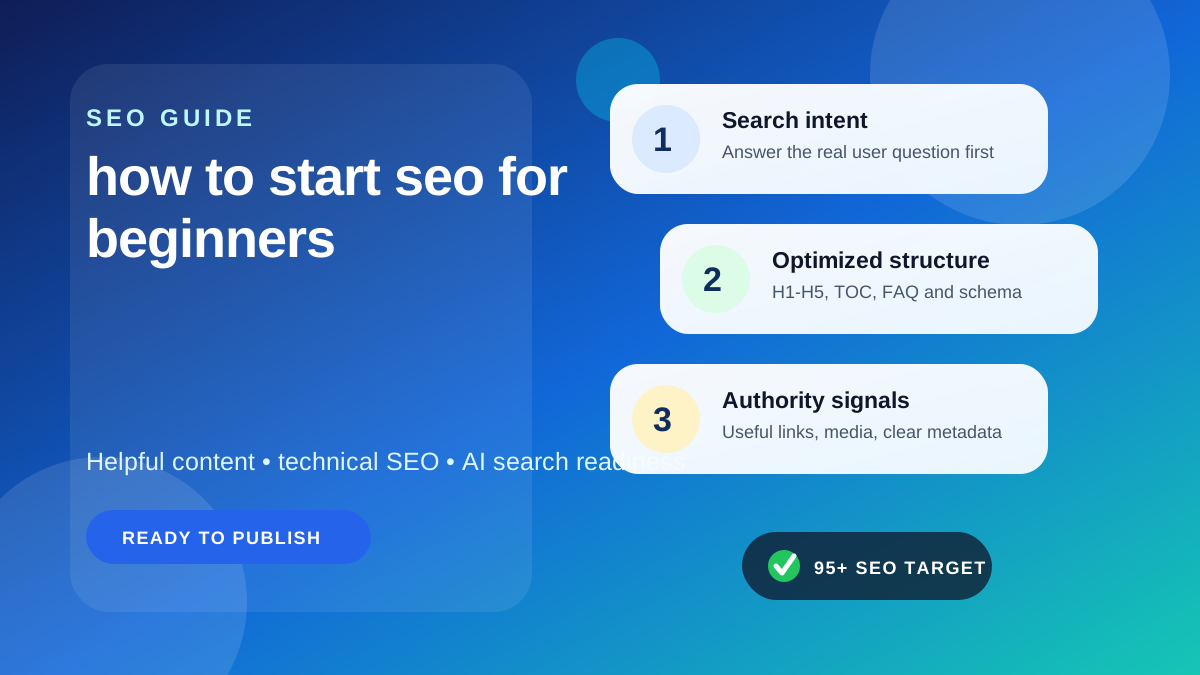
SEO can feel overwhelming when you are just getting started. There are tools, technical terms, ranking factors, and endless advice online. The good news is that beginner SEO does not need to start with advanced tactics. It starts with understanding how search engines work, how people search, and how to make your website genuinely useful, clear, and easy to crawl.
If you are searching for how to start SEO for beginners, this guide will walk you through the fundamentals in a practical way. You will learn what matters first, what can wait, how to build a simple process, and where common mistakes usually happen. Whether you run a blog, business website, portfolio, local service site, or are learning SEO for freelance work, this article is designed to give you a strong foundation.
Along the way, you can also explore more digital publishing and outreach resources on the GuestBlogging.info blog if you want to keep learning after this guide.
What SEO Is and Why It Matters
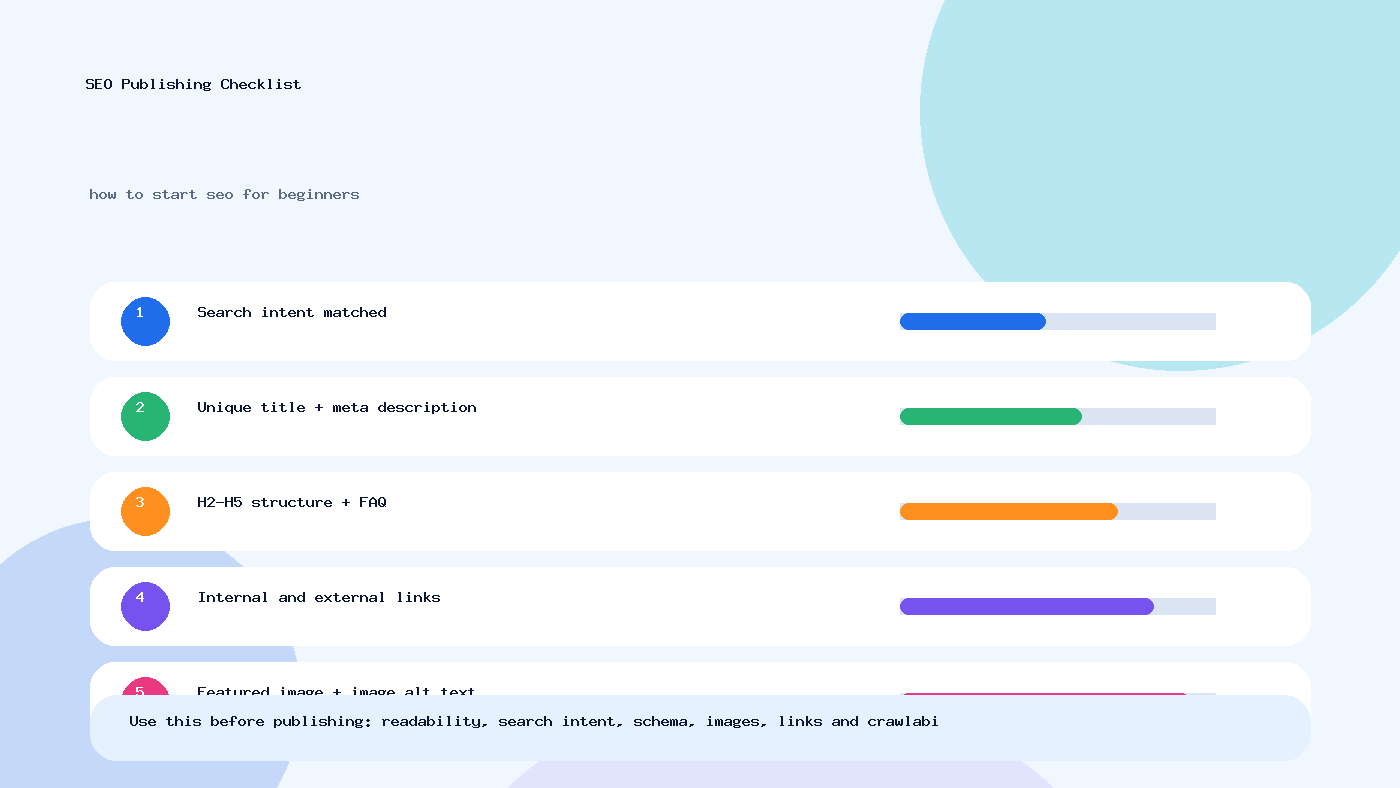
SEO stands for search engine optimization. It is the process of improving your website so search engines can understand it better and users can find it more easily in search results.
For beginners, SEO is not about tricking Google. It is about doing the basics well:
- Choosing topics people actually search for
- Creating pages that answer those searches clearly
- Structuring your content so search engines can understand it
- Making your website fast, usable, and crawlable
- Building credibility over time
Why it matters:
- Organic traffic can keep coming long after content is published
- SEO often attracts users with clear intent
- Good SEO improves user experience, not just rankings
- It can reduce dependence on paid advertising over time
If you are a business owner, blogger, agency beginner, student, freelancer, or publisher, SEO is one of the most useful long-term digital skills to learn.
How Search Engines Work
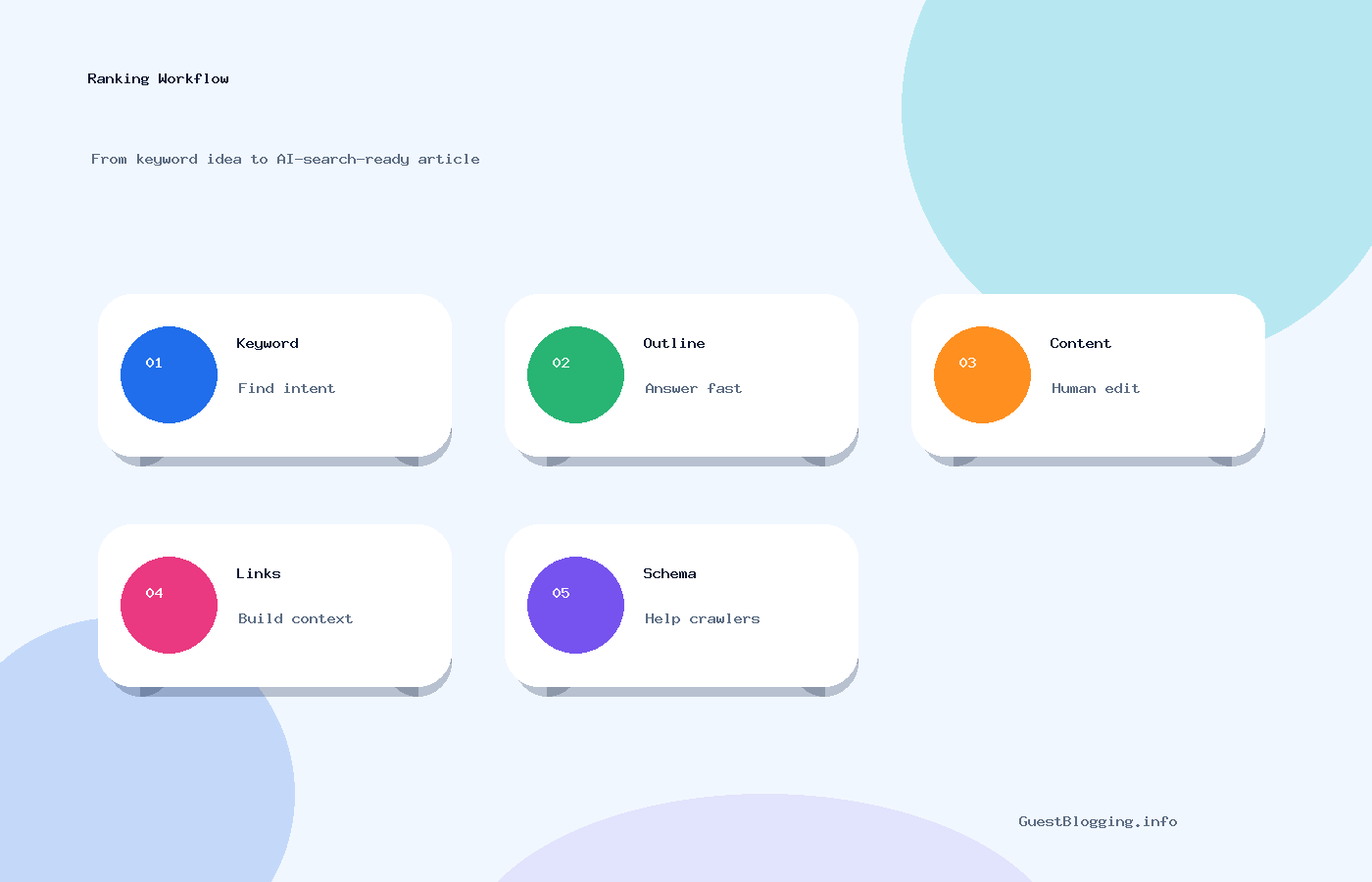
Before doing SEO, it helps to know the basics of how search engines work. In simple terms, the process includes crawling, indexing, and ranking.
Crawling
Search engines discover pages by following links and sitemaps. If your pages are not linked properly or are blocked, they may not be discovered easily.
Indexing
Once a page is found, search engines try to understand and store it in their index. If the content is thin, duplicated, blocked, or technically broken, it may not be indexed well.
Ranking
When someone searches, search engines decide which pages best match the query. They evaluate relevance, quality, page experience, context, and many other signals.
Google’s SEO Starter Guide is one of the best official resources for understanding this from the source.
What this means for beginners
If you are new to SEO, your first priorities are:
- Make sure search engines can access your pages
- Publish useful content around real search queries
- Organize your pages clearly
- Improve titles, headings, internal links, and usability
You do not need advanced hacks to begin. You need clarity and consistency.
A Beginner SEO Roadmap
Here is a simple way to think about beginner SEO:
| SEO Area | What It Means | Beginner Priority |
|---|---|---|
| Keyword research | Finding what people search for | High |
| Content | Creating useful pages that match search intent | High |
| On-page SEO | Optimizing titles, headings, URLs, images, and copy | High |
| Technical SEO | Making the site crawlable, fast, secure, and indexable | Medium to High |
| Internal linking | Connecting related pages logically | High |
| Backlinks | Links from other sites that signal trust | Medium |
| Analytics | Measuring what is working | High |
A common beginner mistake is focusing too early on backlinks or advanced audits before the site even has strong pages. Start with the fundamentals first.
Step 1: Set Up Your Website Properly
 Step 2: Do Basic Keyword Research
Keyword research helps you understand what people are searching for and how they phrase those searches. For beginners, the goal is not to build a huge spreadsheet. The goal is to match real user queries with useful content ideas.
Start with seed topics
If you run a website about fitness, your seed topics might include:
- weight loss
- home workouts
- meal plans
- beginner exercise
If you run a digital marketing site, seed topics might include:
- SEO basics
- content marketing
- guest posting
- backlinks
For publishers and marketers exploring content promotion, browsing curated guest posting sites can also help you understand niche categories, audience language, and relevant content opportunities.
Look at search intent
Not all keywords mean the same thing. Some users want information, some want to compare options, and some are ready to buy.
| Search Intent | Example Keyword | Best Content Type |
|---|---|---|
| Informational | how to start seo for beginners | Guide or tutorial |
| Navigational | Google Search Console login | Brand or tool page |
| Commercial | best seo tools for beginners | Comparison article |
| Transactional | hire seo expert | Service page |
Target long-tail keywords first
Beginners often have a better chance of getting traction with specific phrases instead of broad, highly competitive ones.
Example:
- Broad: SEO
- Better for beginners: how to start seo for beginners
- Even more specific:
Weak Content Idea Why It Is Weak Stronger Version SEO Tips Too broad and unclear 10 SEO tips for new websites with examples Backlinks Guide Very competitive and vague How beginners can earn safe backlinks without spam WordPress SEO Broad and mixed intent Basic WordPress SEO setup checklist for beginners Use content clusters
One pillar page can cover a broad topic, and supporting pages can cover subtopics in detail. For example:
- Pillar page: How to start SEO for beginners
- Supporting page: How to do keyword research for blog posts
- Supporting page: On-page
Image optimization
- Compress images so pages load faster
- Use descriptive filenames
- Add alt text when it helps accessibility and context
Readability
Use short paragraphs, bullets, and simple sentence structure when possible. Good readability helps engagement.
Simple on-page
Consider structured data
Structured data helps search engines understand certain content types more clearly. If relevant, you can learn about official markup formats at Schema.org.
Common beginner mistake
Do not spend weeks chasing every tiny technical score if your site has no strong content yet. Technical SEO matters, but it should support useful pages, not replace them.
Step 6: Build Trust and Authority
Search engines want to rank pages that appear credible and useful. Beginners should think about authority in practical ways, not just in terms of links.
Ways to build trust on your website
- Add a real About page
- Include author details where appropriate
- Make contact information easy to find
- Keep your content accurate and updated
- Cite official or original sources when needed
Earn backlinks gradually
Backlinks are still useful, but beginners should avoid spammy methods such as mass directory submissions, paid link farms, or irrelevant comment links.
Better approaches include:
- Publishing genuinely useful resources
- Building relationships in your niche
- Guest posting on relevant sites with quality standards
- Digital PR and expert contributions
If guest posting becomes part of your growth plan, review practical publishing expectations through these guest posting guidelines and explore opportunities through the write for us page where relevant.
Authority is not only about links
A site can still improve significantly by publishing better content, improving internal linking, covering topics in depth, and demonstrating real expertise.
Expert tip
For beginners, one relevant backlink from a trustworthy niche website is often more useful than dozens of low-quality links.
Step 7: Track SEO Performance
If you do not measure SEO, you cannot improve it properly. Beginners should keep reporting simple and focused.
What to track first
- Organic clicks
- Impressions
- Average ranking position trends
- Top-performing pages
- Indexed pages
- Click-through rate
- Conversions from organic traffic
Where to track it
- Google Search Console for search visibility and indexing
- Analytics for traffic behavior and conversions
How beginners should interpret early results
SEO usually takes time. New pages may need weeks or months to settle. Instead of asking “Did I rank number one yet?” ask:
- Is Google indexing my pages?
- Are impressions increasing?
- Are more queries appearing in Search Console?
- Are users spending time on the page?
- Are my titles and descriptions getting clicks?
Simple monthly review process
- Check your top 10 organic pages
- Review pages with high impressions but low clicks
- Update weak titles and meta descriptions
- Refresh outdated content
- Add internal links from newer posts
- Fix errors or indexing issues
Common SEO Mistakes Beginners Make
Most beginner SEO problems come from doing too much too fast, following outdated advice, or skipping the basics.
1. Targeting keywords that are too competitive
If your site is new, trying to rank for huge head terms immediately can be frustrating. Start narrower.
2. Publishing thin content
Short content is not always bad, but thin content that does not satisfy user intent usually performs poorly.
3. Keyword stuffing
Repeating a phrase unnaturally does not make a page better. It usually makes it worse.
4. Ignoring search intent
If users want a tutorial and you give them a sales page, your page is unlikely to perform well.
5. Neglecting internal links
Many sites publish articles and forget to connect them strategically.
6. Chasing backlinks before improving content
Promoting weak content rarely works well. Fix the page first.
7. Forgetting technical basics
If pages are blocked, slow, or broken, rankings can suffer even with strong content.
8. Expecting instant results
SEO is a long-term process. Consistency matters more than shortcuts.
9. Copying competitor structures without adding value
Competitive research is useful, but your content should still provide something clearer, more useful, or more current.
10. Treating SEO as separate from user experience
Good SEO supports user satisfaction. It is not just about search engines.
A Simple 90-Day SEO Plan
If you want a practical starting point, use this beginner-friendly 90-day plan.
Days 1 to 30: Set foundations
- Set up Search Console and analytics
- Make sure HTTPS works
- Submit your sitemap
- Review indexing settings
- Clean up site structure and navigation
- Choose 10 to 20 core keyword topics
Days 31 to 60: Publish core content
- Create 3 to 5 strong foundational pages
- Write 5 to 10 helpful blog posts around long-tail keywords
- Optimize titles, headings, URLs, and images
- Add internal links between related pages
Days 61 to 90: Improve and promote
- Review Search Console data
- Update pages with early impressions
- Improve click-through rate on key pages
- Reach out for relevant promotion or partnerships
- Explore safe guest posting opportunities
If you plan to expand your website’s visibility through publisher outreach, you can submit site details for relevant listing opportunities, or browse more publishing resources as your SEO efforts grow.
Beginner expectation setting
At 90 days, the goal is not guaranteed top rankings. The goal is to have a technically sound site, a growing content base, early search visibility, and a repeatable process.
SEO Tools for Beginners
You do not need expensive tools on day one. Start with the essentials and add more only when needed.
Tool Type Why It Helps Beginner Use Google Search Console Shows search queries, indexing, and errors Essential Analytics platform Tracks user behavior and conversions Essential Page speed testing tools Highlights performance issues Useful Keyword research tools Generate topic ideas and comparisons Useful SEO plugin for CMS Helps manage titles, meta tags, sitemaps Useful Crawling tools Find broken links and technical issues Optional early on Tool advice for beginners
A free tool used consistently is often more valuable than a premium tool you barely understand.
SEO vs Paid Ads vs Social Media
Beginners often ask whether they should focus on SEO, ads, or social media first. The answer depends on goals, budget, and timeline.
Channel Main Strength Main Limitation Best For SEO Long-term organic visibility Takes time Sustainable traffic growth Paid Ads Immediate traffic Stops when budget stops Testing offers, quick leads Social Media Audience engagement and reach Often less stable than search demand Community building and awareness In many cases, a balanced strategy works best. SEO builds long-term discoverability, social supports brand engagement, and paid ads can fill short-term gaps.
When to Learn Outreach and Link Building
Once your site has solid content and technical basics in place, promotion becomes more worthwhile.
Signs you are ready for outreach
- You have several genuinely useful pages
- Your content is original or clearly better than average
- Your site looks trustworthy
- You understand your niche audience
Beginner-safe outreach ideas
- Offer a valuable guest article to a relevant blog
- Share original insights or examples
- Build niche relationships instead of sending mass emails
- Focus on quality and relevance
If you are comparing placement options for visibility or brand partnerships, you can review pricing information or contact us for sponsored placement discussions where appropriate.
The key is to treat outreach as reputation-building, not link collecting.
FAQ
1. What is the first step in SEO for beginners?
The first step is making sure your website is accessible, indexable, and connected to Google Search Console. After that, start keyword research and create helpful content.
2. How long does SEO take to work?
SEO usually takes time. Some pages may get indexed and show impressions quickly, but meaningful organic growth often takes several months depending on competition, site quality, and consistency.
3. Can I do SEO without paid tools?
Yes. Many beginners start effectively with free tools such as Google Search Console, analytics tools, Google search results, and basic page speed tools.
4. Is SEO difficult to learn?
SEO can feel complex at first, but the basics are very learnable. Start with keywords, content, on-page optimization, technical fundamentals, and tracking.
5. What is the best type of keyword for a new site?
Long-tail keywords with clear intent are often a good starting point because they are usually more specific and practical for beginners to target.
6. Do I need backlinks to rank?
Backlinks can help, but they are not the first thing to focus on. A new site should first improve content quality, structure, and technical health.
7. What is on-page SEO in simple words?
On-page SEO means improving elements on your page such as titles, headings, copy, images, URLs, and internal links so the topic is clear and the page is more useful.
8. How many blog posts should a beginner publish?
There is no fixed number. It is better to publish a smaller number of strong, helpful posts than many weak ones. Consistency and quality matter more than volume alone.
9. Is WordPress good for beginner SEO?
Yes. WordPress is widely used, flexible, and has strong SEO support through themes, plugins, and community resources when configured properly.
10. Should I update old content?
Yes. Updating outdated content can improve relevance, accuracy, and user experience. It can also help pages perform better over time.
11. Is SEO useful for local businesses in India and other countries?
Absolutely. Local businesses can benefit from SEO by targeting service keywords, location pages, Google Business Profile visibility, and locally relevant content.
12. What should I avoid as a beginner?
Avoid keyword stuffing, spammy backlinks, copied content, misleading titles, and expecting instant rankings from shortcuts.
Final Thoughts
If you want to learn how to start SEO for beginners, start by simplifying the process. Do not try to master everything at once. Focus on building a site that is technically sound, easy to navigate, and full of content that honestly helps people.
A practical beginner SEO approach looks like this:
- Understand how search works
- Research real search queries
- Create useful content around those queries
- Optimize pages clearly and naturally
- Fix technical basics
- Track results and improve over time
That foundation will take you much further than chasing hacks.
If you want to keep building your knowledge, read more SEO and publishing resources on the blog, explore relevant guest posting sites, or submit site details when you are ready to expand your reach carefully and professionally.
FAQs
What is the main purpose of how to start seo for beginners?
The purpose is to help readers understand the topic clearly, apply the steps correctly, and make better SEO decisions with less confusion.
How often should this SEO content be updated?
Review the page every few months, update outdated tools or examples, and improve sections where search intent or ranking competitors have changed.
Can this strategy help with AI search visibility?
Yes. Clear answers, structured headings, concise summaries, FAQ content, and trustworthy references help both search engines and AI answer systems understand the page.
Need verified guest posting opportunities?
Explore directory listings, compare quality signals, and use safe outreach methods before building backlinks.
Explore Guest SitesTags: AI search optimization, Content Marketing, Google ranking, Guest Blogging, how to start seo for beginners, keyword research, SEO guide, technical SEO